Moodbit
A Chrome extension I designed and built for AI-native designers.

Megha
November 2026
Moodbit is my attempt at helping designers like me adapt to the AI world. A proper workflow that keeps the designer's taste in the loop, and gives visual thinkers a better way to work with AI than typing paragraphs at it.
As they say,
An image reference is worth a thousand prompts :P
The problem
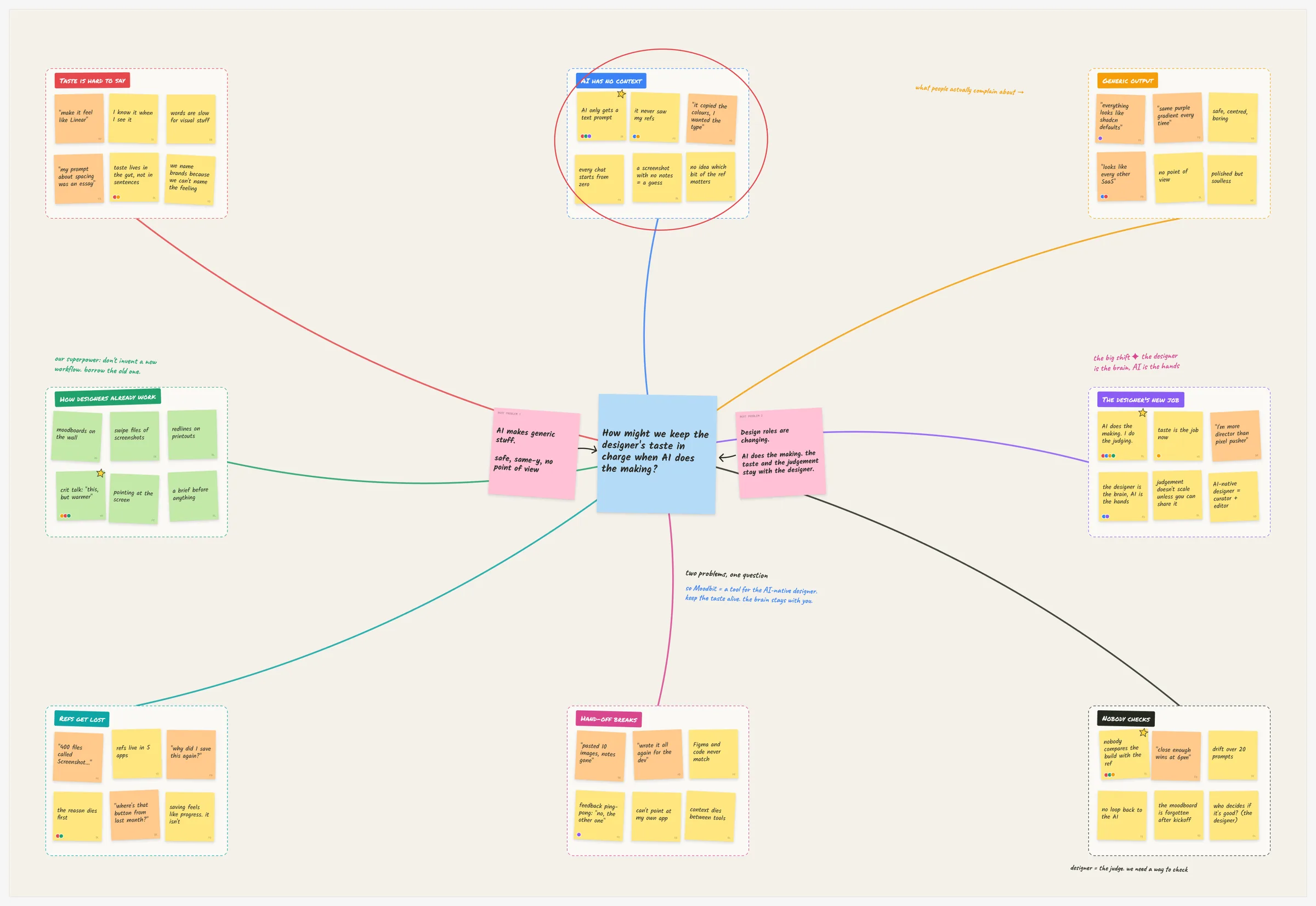
AI makes generic stuff. Designers are visual creatures stuck explaining their taste in prompts.
AI gives you the average
Ask it for a landing page and you get the average of every landing page. Fine on the first try, and exactly like everyone else's.
The job moved
AI does more of the making now. What's left for us is the judgement: deciding what's good, what's off, what's ours.
How might we keep the designer's taste in charge when AI does the making?
How it works
Save
control + M on any site
Say why
a box, a pin, your words
Keep
a project per piece of work
Hand over
Figma, Claude Code or Codex
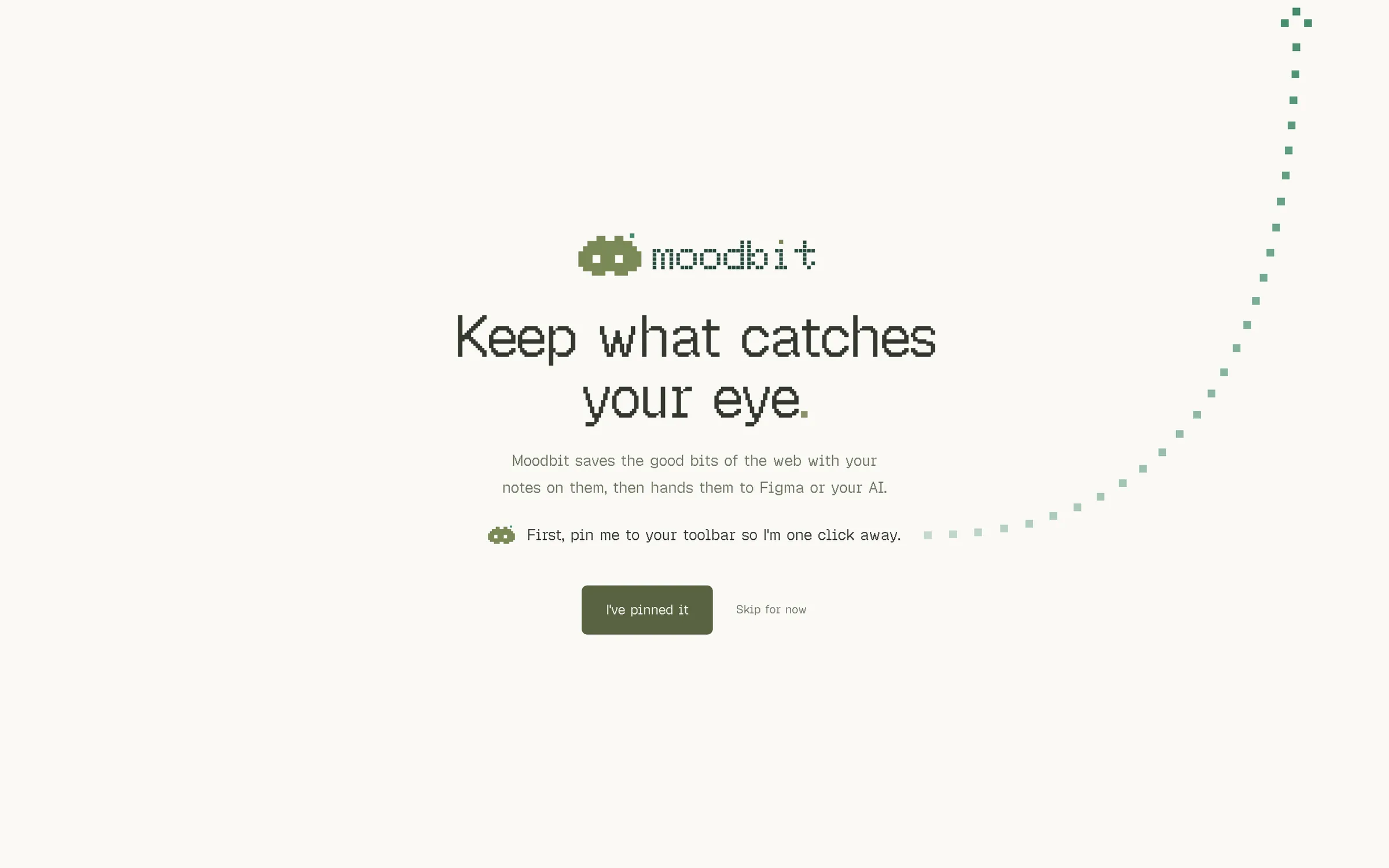
“First, pin me to your toolbar so I'm one click away.”
The welcome asks for one thing. Moodbit is only useful if it's one click away.
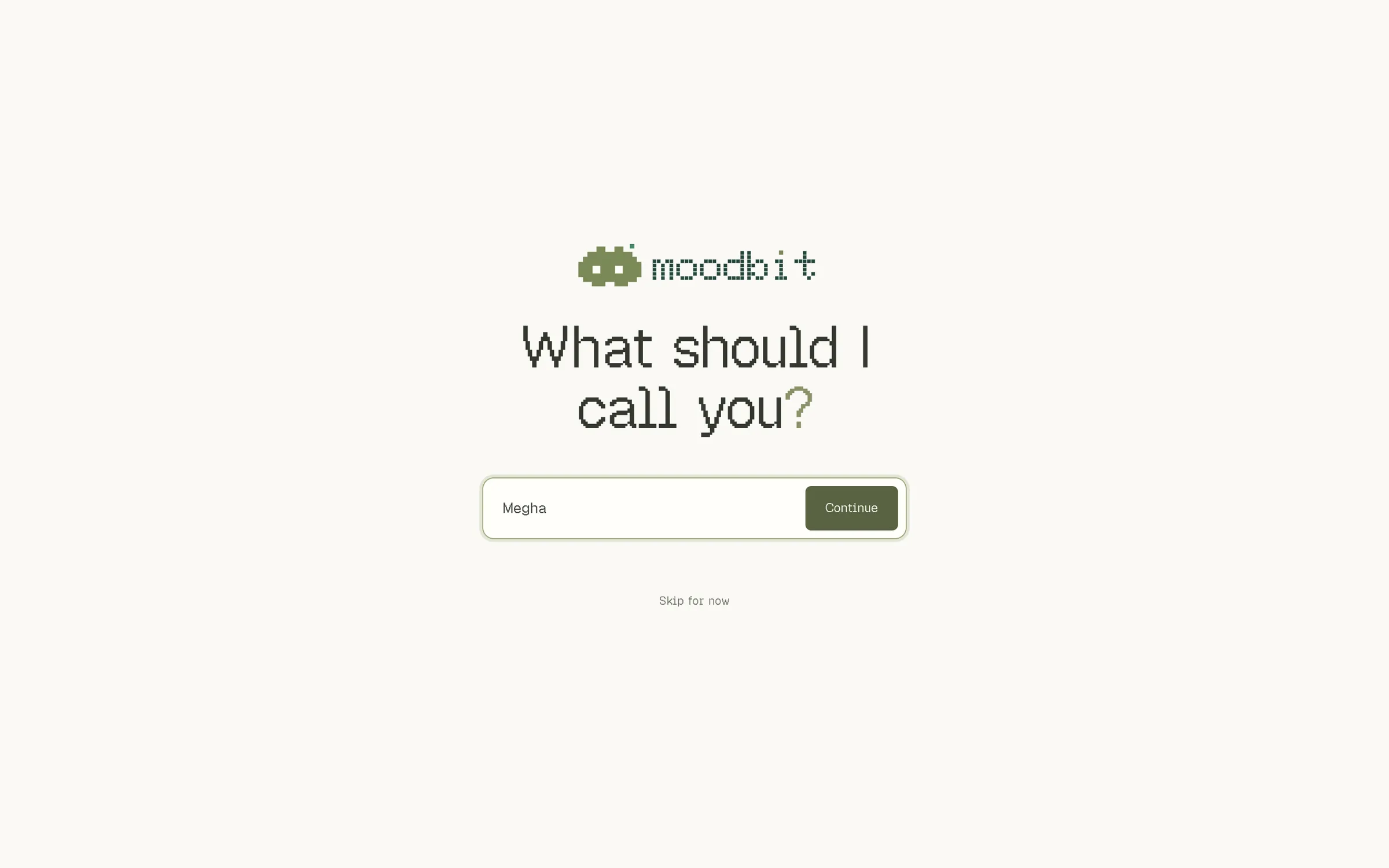
“What should I call you?”
Just your name, so Moodbit feels like yours.
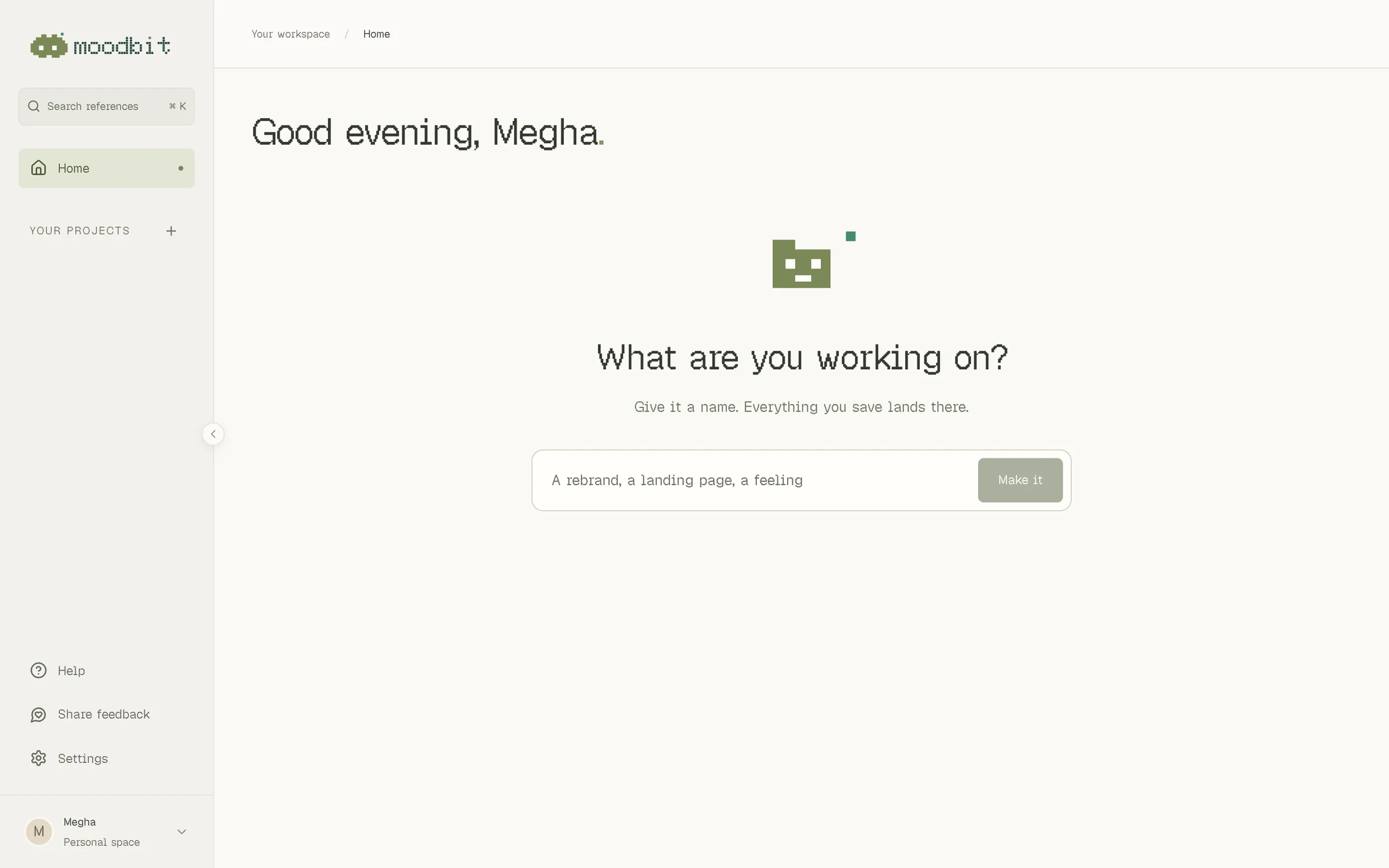
“What are you working on?”
Home, before your first project, is only this question. Answer it and everything you save lands there.
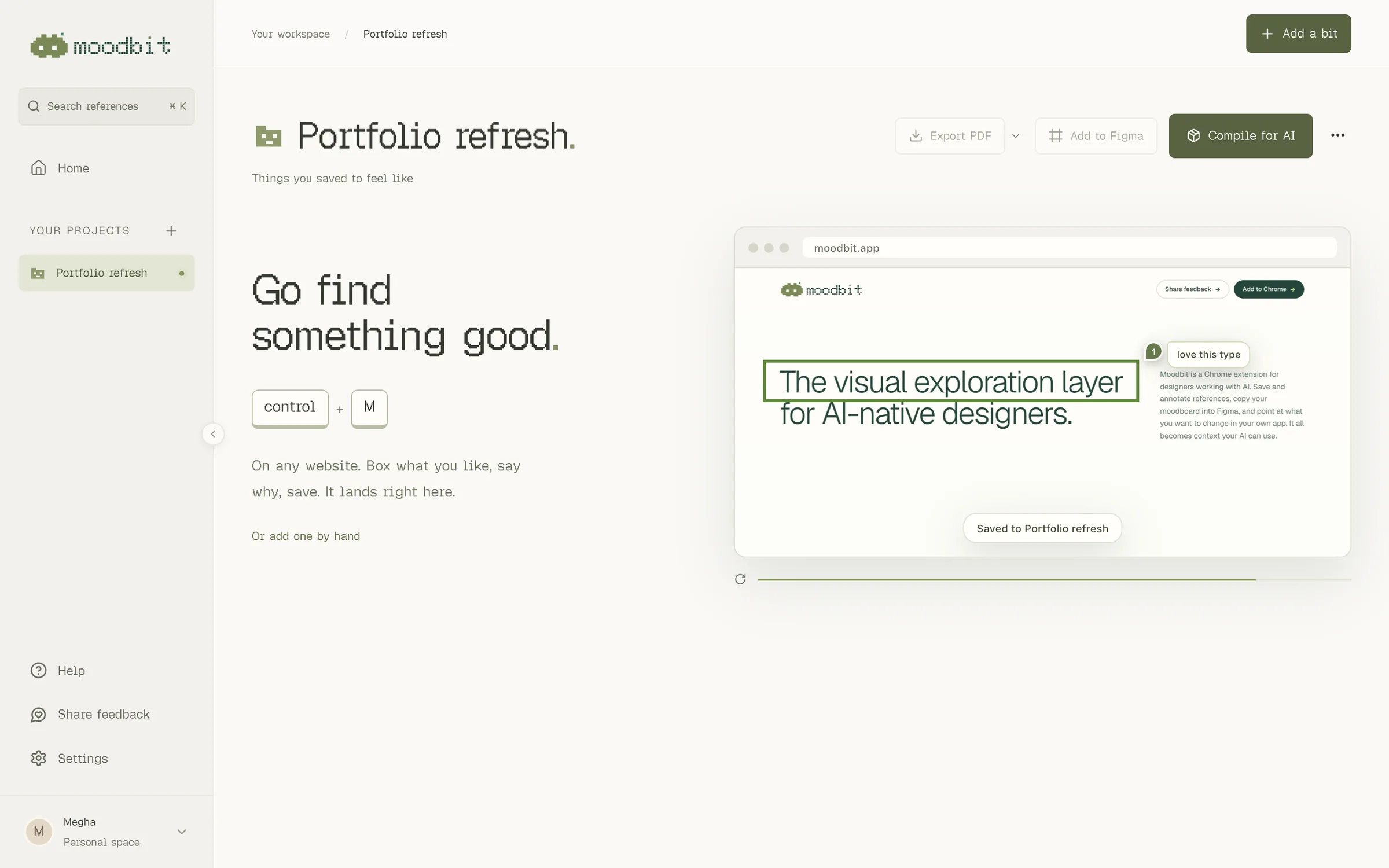
“Go find something good.”
An empty project doesn't explain features. It shows the two keys and a little clip of a real save.
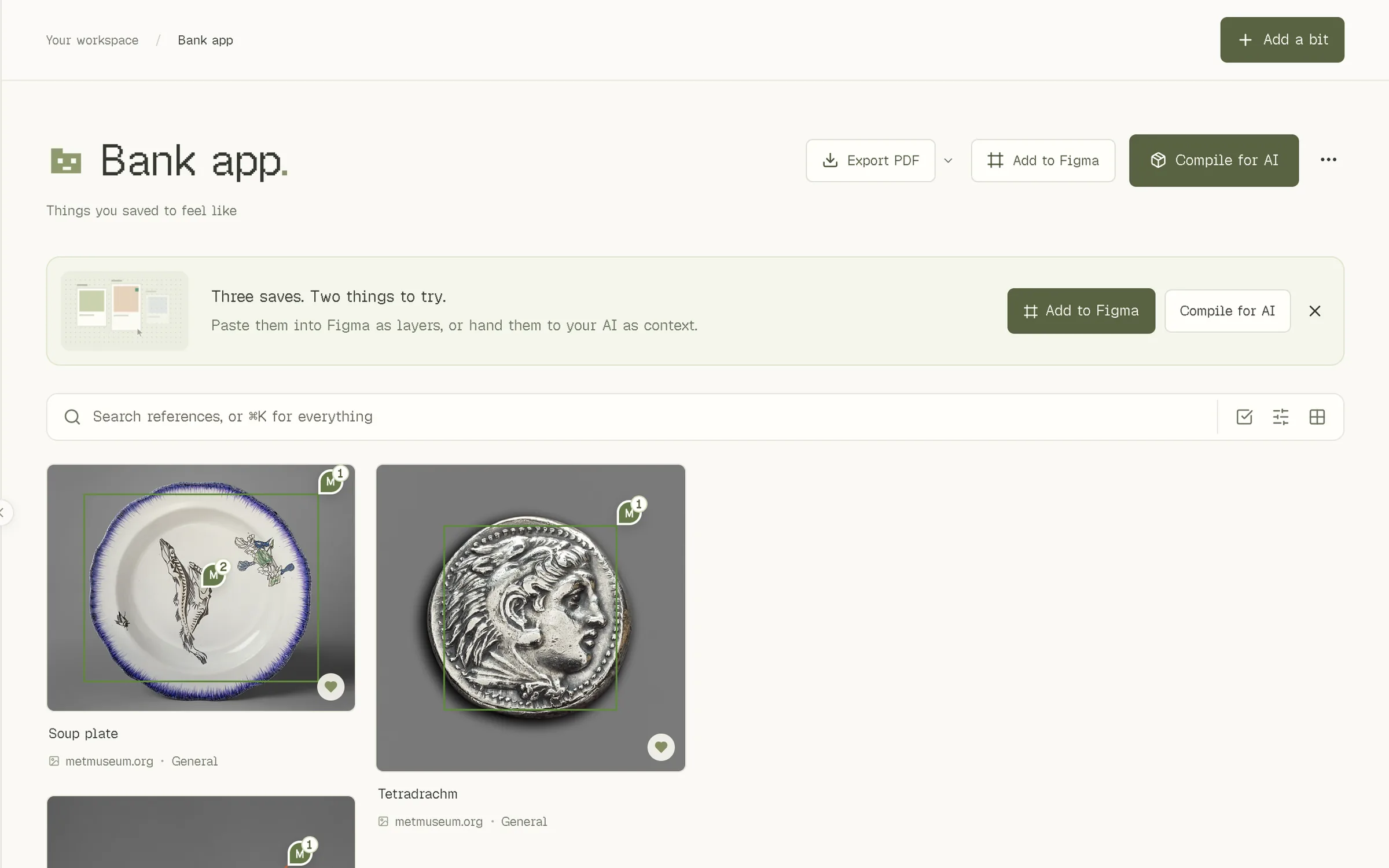
“Three saves. Two things to try.”
After three saves you have something worth handing over, so that's when the next step shows up.
Other screens
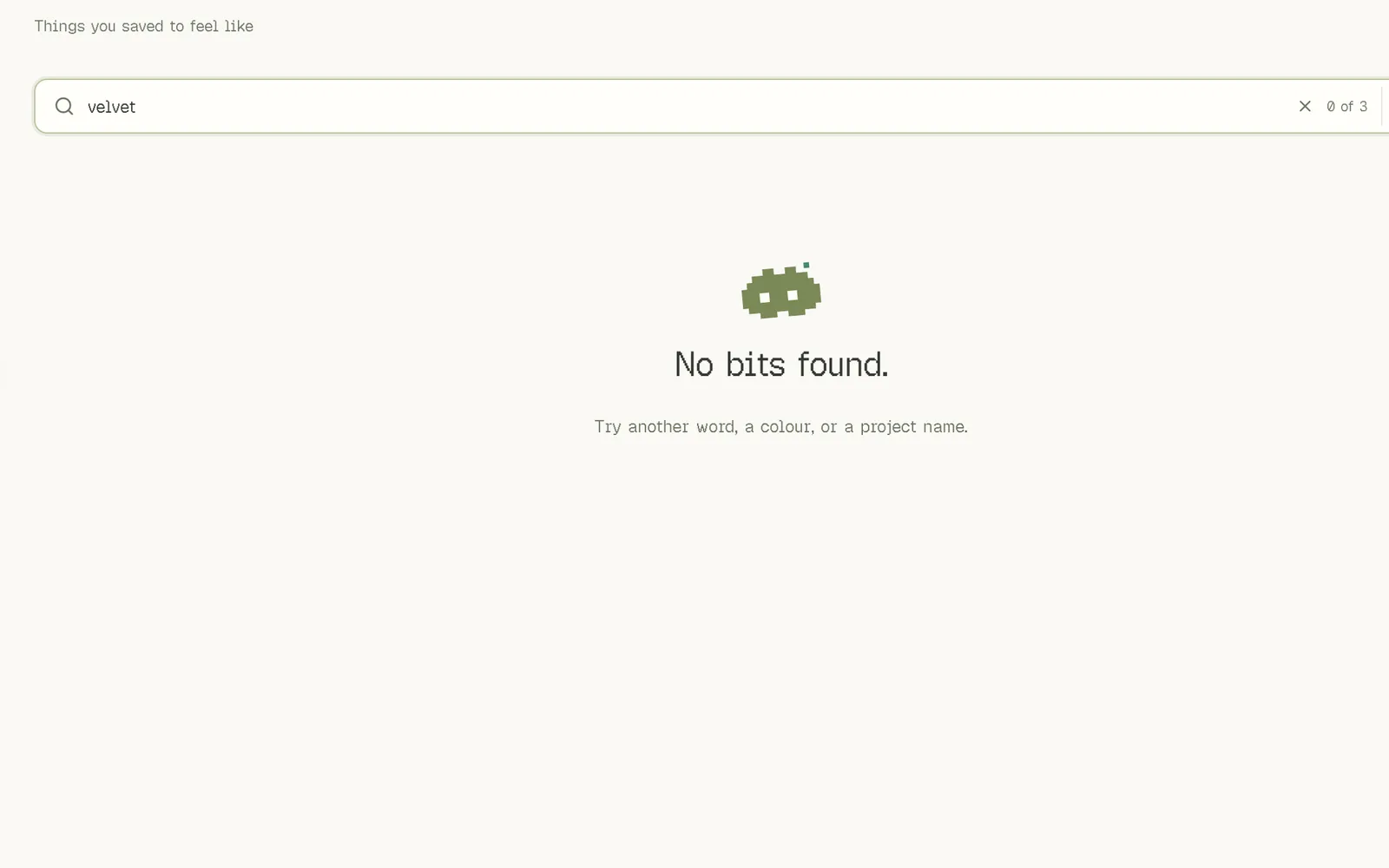
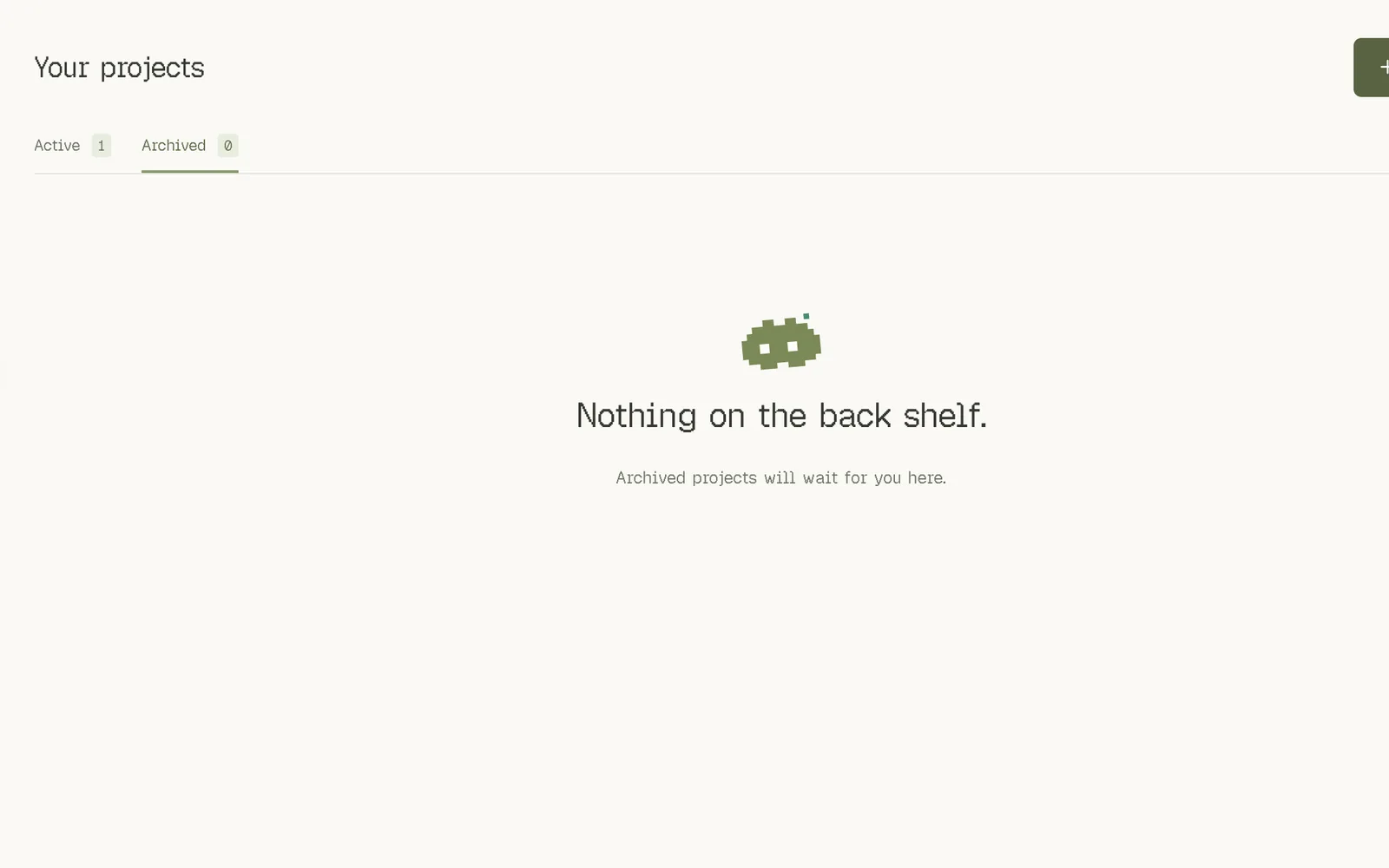
Every empty screen tells you what to do next. Even a search that finds nothing.
Taste is the part AI can't do for you